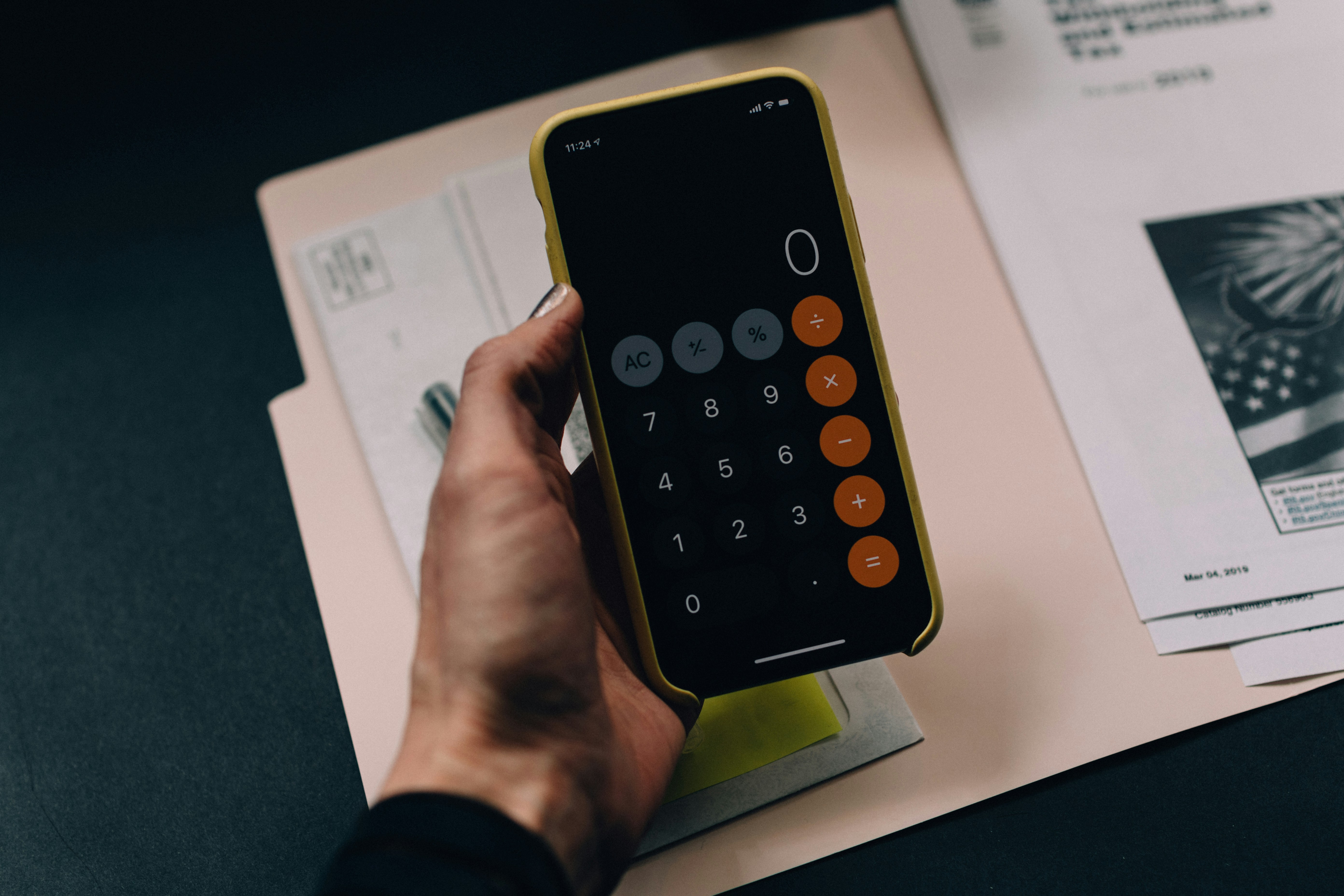
Processing allowances generally takes a lot of time, is error-prone and can raise questions among employees. That's why it's smart to process allowances automatically.
What are allowances?
Allowances are extra payments employees receive on top of their standard salary for working under specific circumstances or in certain situations. The exact rules and amounts differ by country, CAO, employment contract and company policy. Here are some common allowances on hours worked:
Overtime allowance
Extra pay for every hour worked above a certain number of hours per week. For example, if the standard work week is 40 hours and someone works 45 hours, the extra hours count as overtime and are paid at a higher rate.
Evening and night allowance
Employees in care, hospitality or warehouses, for example, often work irregular shifts. When employees work in the evening or at night, they may be entitled to an allowance on top of their normal wage. They receive these allowances because of the less favorable working hours.
Weekend allowance
Do your staff work on weekends? They may be entitled to an allowance for working at a time when most others are off.
Public holiday allowance
When employees work on public holidays, such as Christmas or New Year's Day, they may receive an allowance. These days are special working days.
Hazardous work environment allowance
In some sectors, such as construction or the chemical industry, employees receive an extra allowance when they work in a risky environment or with hazardous substances.
Irregular hours allowance
Staff who work in shifts or with irregular working hours may be entitled to an allowance.
Extra hours allowance
When employees work extra hours on top of their regular working hours, they may qualify for a special allowance.
Who plays a role in processing allowances?
When it comes to tracking overtime and processing allowances, who is responsible differs per organization.
Employees
It's your staff's own responsibility to track their hours worked accurately and report any overtime or extra hours to their employer. This is very easy with, for example, time tracking through Dyflexis. Our time clock tracks overtime automatically.
The employer
The employer is responsible for tracking their employees' hours, calculating any allowances based on the applicable rules and agreements (such as CAOs or employment contracts) and processing these allowances correctly in payroll.
Payroll
In most organizations, the payroll department or an external payroll administrator processes all salaries and allowances. They are responsible for correctly translating certain hours worked into the allowances that apply. Payroll calculates the allowances and arranges payment of the right amount to staff. It's important that employers and employees both know who is entitled to which allowances and when. They record this in the employment contract. In doubt or have questions about certain allowances? Then contact your HR department or a legal advisor to clarify the specific situation and meet the legal requirements.
From now on, we're doing it completely differently!
There are different ways to automate allowances on hours worked. This depends on the complexity of the calculations and the available technology.
Rule-based automation
If the rules for calculating allowances on hours worked are relatively simple, you can use a rule-based automation method. You write rules in the form of "if-then" statements to determine when and how allowances apply. These rules can be implemented in programming code or in a spreadsheet.
Time tracking system
Use a time tracking system in which employees can record their hours worked. Modern time tracking systems can often calculate allowances automatically based on preset rules and rates. Such a system can also take variables into account, such as working hours, overtime, weekend work, public holidays, etc.
Payroll software
If you need more advanced automation, you can consider payroll software. Payroll software is specifically designed to automate salary calculations, including allowances on hours worked. It often lets you set up complex rules and run automated calculations.
API integration
If you have existing systems for time tracking and payroll, but they don't offer automated allowance calculation, you can try to extend their functionality with API integrations. APIs let different systems exchange data, so you can automate the calculation of allowances on hours worked.
Machine learning
For complex allowance calculations in which different factors must be taken into account, machine learning can be applied. Using historical data, a machine learning model can learn and predict allowances based on different parameters, such as working hours, working days, role, etc.
Processing allowances automatically: what should I watch out for?
It's important to note that automating allowances on hours worked requires the rules for applying allowances to be defined precisely. You also need to carefully check that the automated calculations are set up correctly. That's why you should work with an organization that has experience setting up allowances. Especially if you're dealing with a complex CAO.
Want to learn more about how user-friendly WFM software can help your customers, so you never have to calculate allowances manually again? Then sign up for an introductory meeting with our partner manager. Click here to sign up.


Discover the power of Dyflexis
Pick a time that works for you.
Free and without obligation, read how we handle your data in our privacy policy.


